




1
Copy the Higgsfield connector URL
 Higgsfield connector URL
You’ll paste this URL into Claude in the next step
Create images and videos directly from your prompts in any AI tool
Create a complete UGC flow for this tumbler using the attached creator, from concept and script to a finished 9:16 video
I’ll shape the product benefit into a natural creator concept, write a concise script, and carry the same avatar through the final widescreen video.
The concept and script are ready. Now I’ll generate the creator performance with consistent product details and native captions.
Generate a 15-second 9:16 UGC video using the attached creator and tumbler. Open with a relatable problem, demonstrate the cold-all-day benefit, use casual piece-to-camera delivery, and finish with a concise call to action
Your UGC flow is complete — concept, script, creator performance, product close-up, captions, and a social-ready widescreen cut.
Give your Claude access to the most powerful image and video models

Create an editorial motion graphics faceless video about how the Mona Lisa became the world’s most famous painting

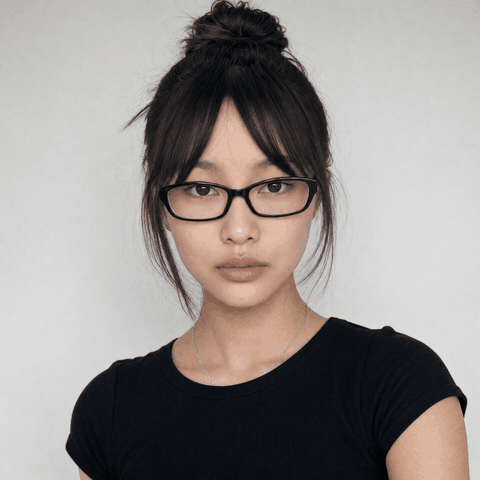
WebsiteCreate a UGC ad video for this chips with this girl, showing its store page on screen
Build a responsive ZING hot sauce site in a blue-and-pink retro pop-art style, featuring a scroll-scrub product video, bold white typography, an adaptive header, product sections, and strong CTAs

Create a stickman cartoon faceless video showing Odysseus's journey to Troy and back home
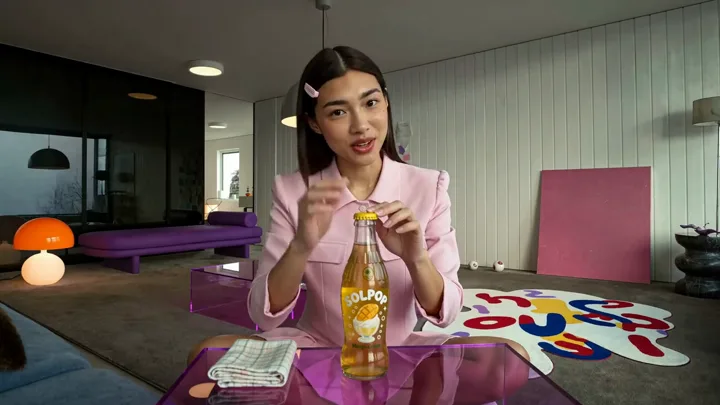
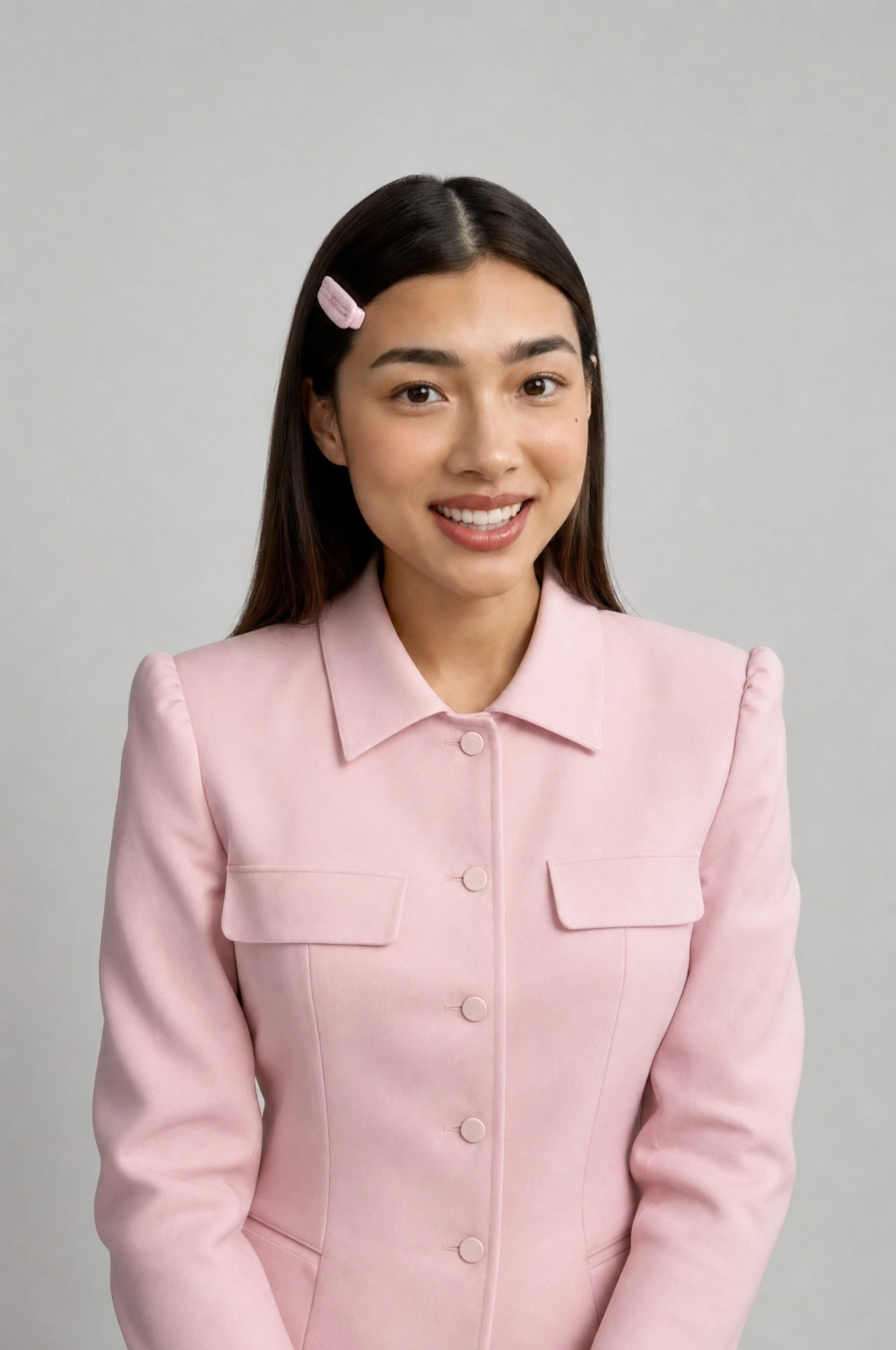
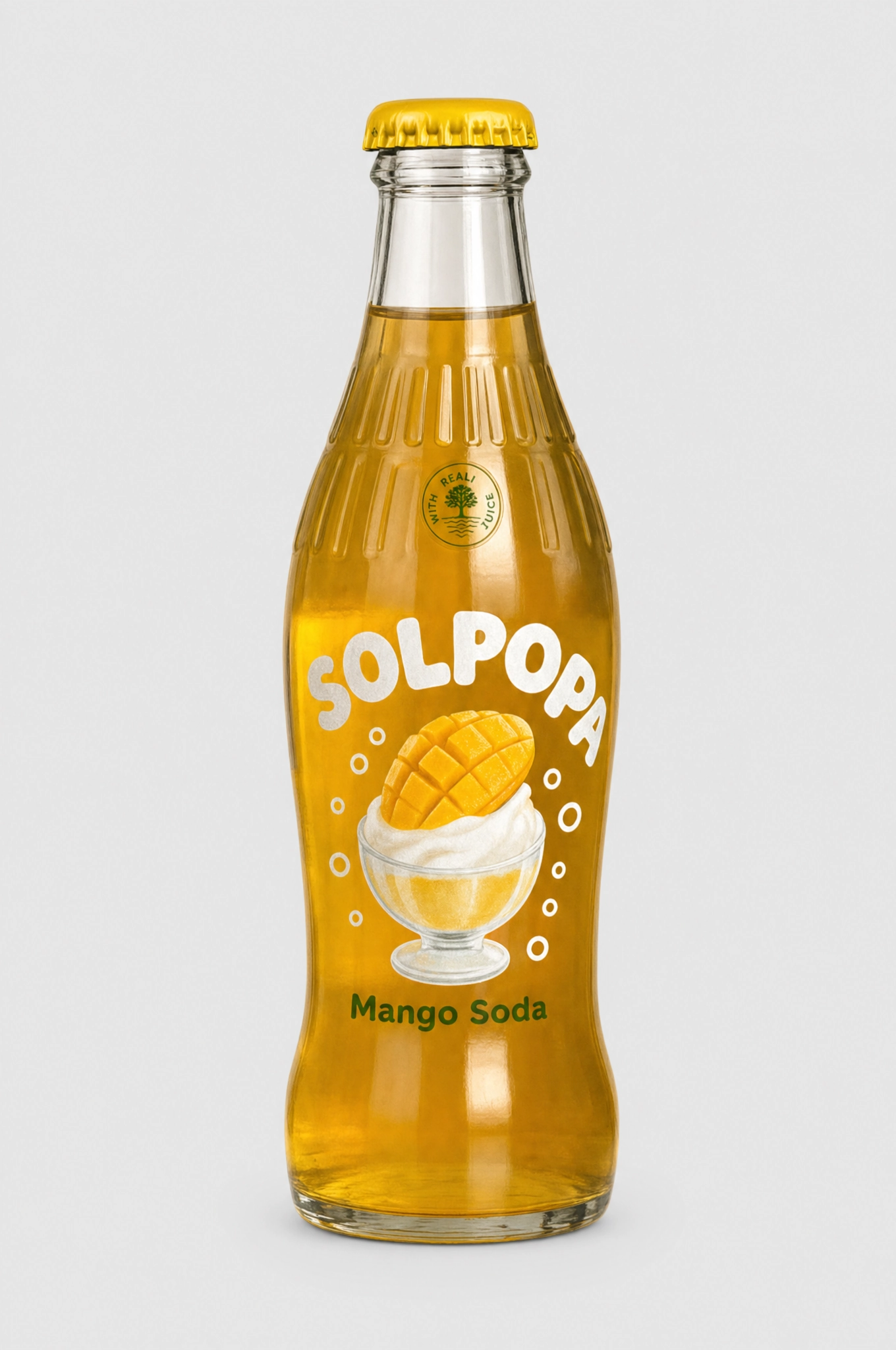
Create a complete UGC flow for this tumbler using the attached creator, from concept and script to a finished 9:16 video

Create a faceless video about a surprising historical fact with a strong hook, stylized visuals, voiceover, and subtitles
Give Claude access to the most powerful image and video models.


Higgsfield uses MCP (Model Context Protocol), an open standard that gives AI agents access to external tools. Once connected, your agent can generate images, create videos, train characters, and browse your creation history, all within a single session.
Higgsfield MCP works with Claude (web, Cowork, and Claude Code), OpenClaw, Hermes Agent, and NemoClaw. Any agent or client that supports MCP can connect to Higgsfield.
Higgsfield gives your agent access to 30+ models including Soul, Cinema Studio, Flux, Seedream, Kling, Minimax Hailuo, Veo, and more. Your agent automatically selects the best model for the task, or you can specify one yourself.
Images up to 4K resolution, videos up to 15 seconds across multiple cinematic styles, consistent characters using Soul training, and more. You can generate from text prompts, reference images, or a combination of both.
No. Add the Higgsfield MCP server URL in your agent's settings and authenticate through your Higgsfield account. No API keys to manage or configure.
Higgsfield tools use the same credit system as the Higgsfield platform. Each generation costs credits based on the model and resolution. Your existing Higgsfield plan credits work seamlessly through any connected agent.
Images typically complete in a few seconds. Videos take longer depending on duration and model. All generation runs asynchronously, so your agent polls for results and delivers them as soon as they're ready.
Yes. You can browse your full generation history, reference any past image or video, and use it as a starting point for new creations. This makes iterative workflows and multi-step production easy.
Yes. Any MCP-compatible client can connect. If you're running OpenClaw on a VPS, Hermes Agent on your local machine, or NemoClaw on NVIDIA hardware, just point it to the Higgsfield MCP server and you're ready to generate.
